What is VO Tracker?
VO Tracker helps voice actors keep track of auditions, booked jobs, training, and earnings on iPhone, iPad, and Mac.
Built by voice actors, for voice actors.
Keep your auditions, booked jobs, and training in one place.
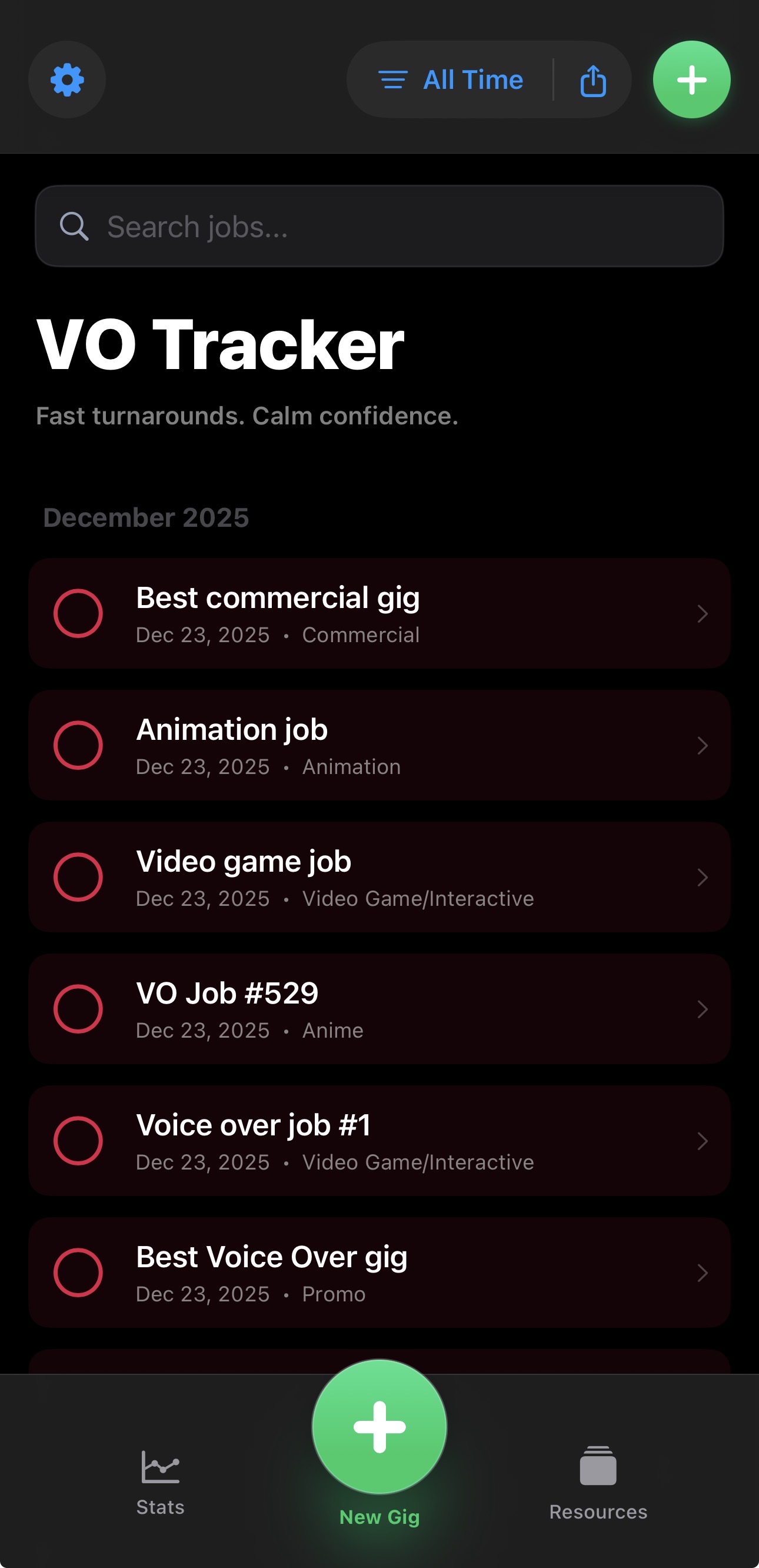
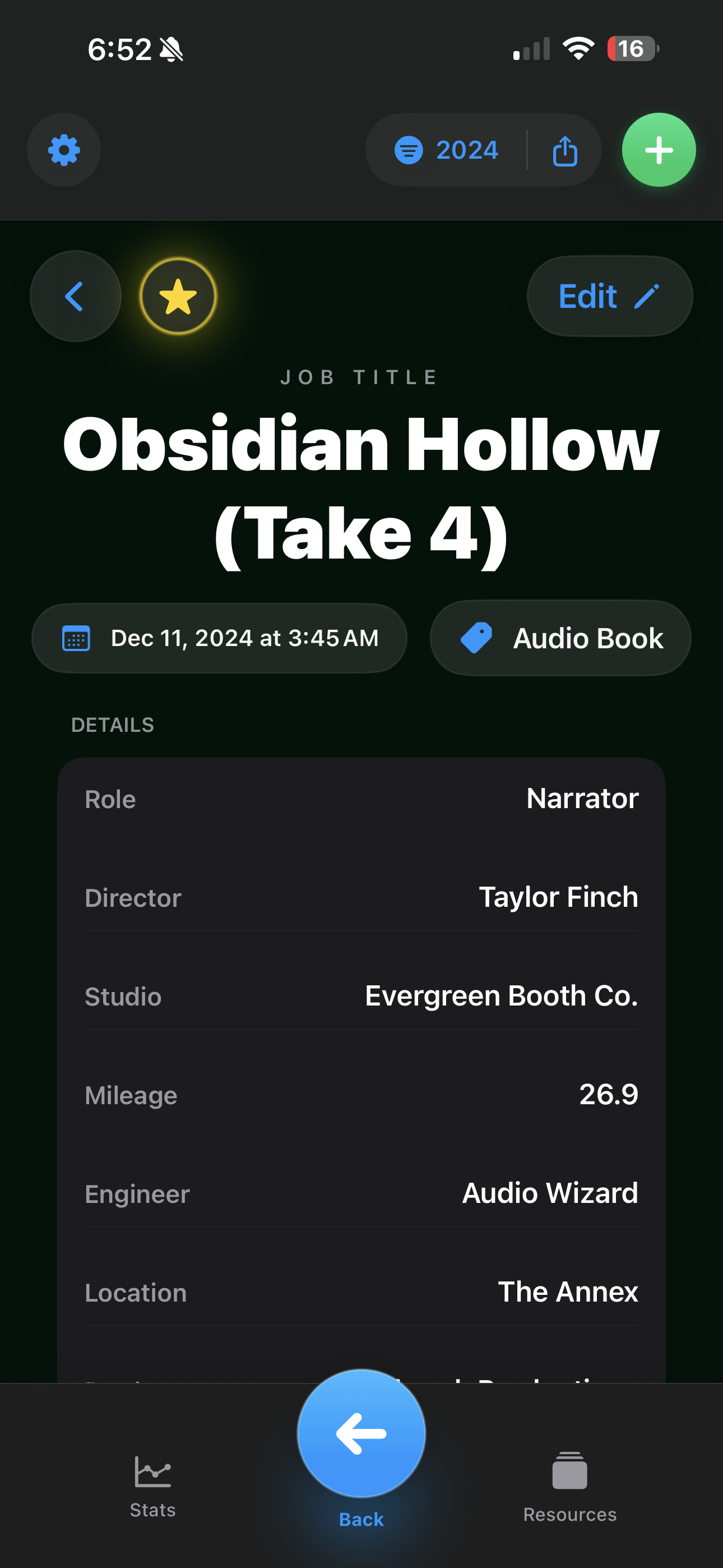
Log every booking with client details, pay rates, and status. Your full work history, searchable and filterable.
Track each audition from submission to outcome. See patterns over time and stay on top of follow-ups.
Log coaching sessions, workshops, and classes alongside your projects so progress stays visible.
Save backup snapshots to iCloud and restore a saved snapshot when needed. Manual backup and recovery are free; automatic backups are included with Pro. This is not live sync.
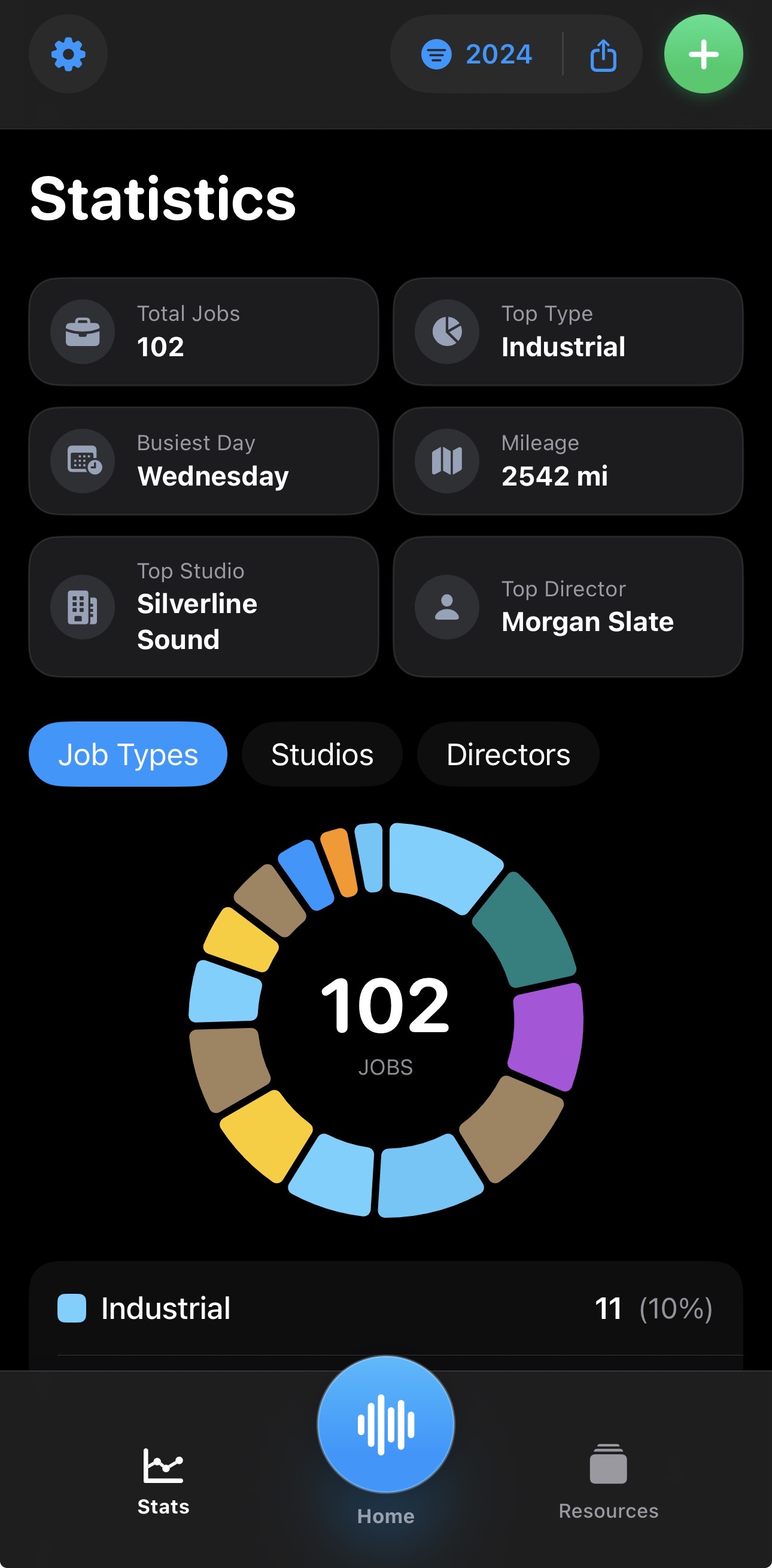
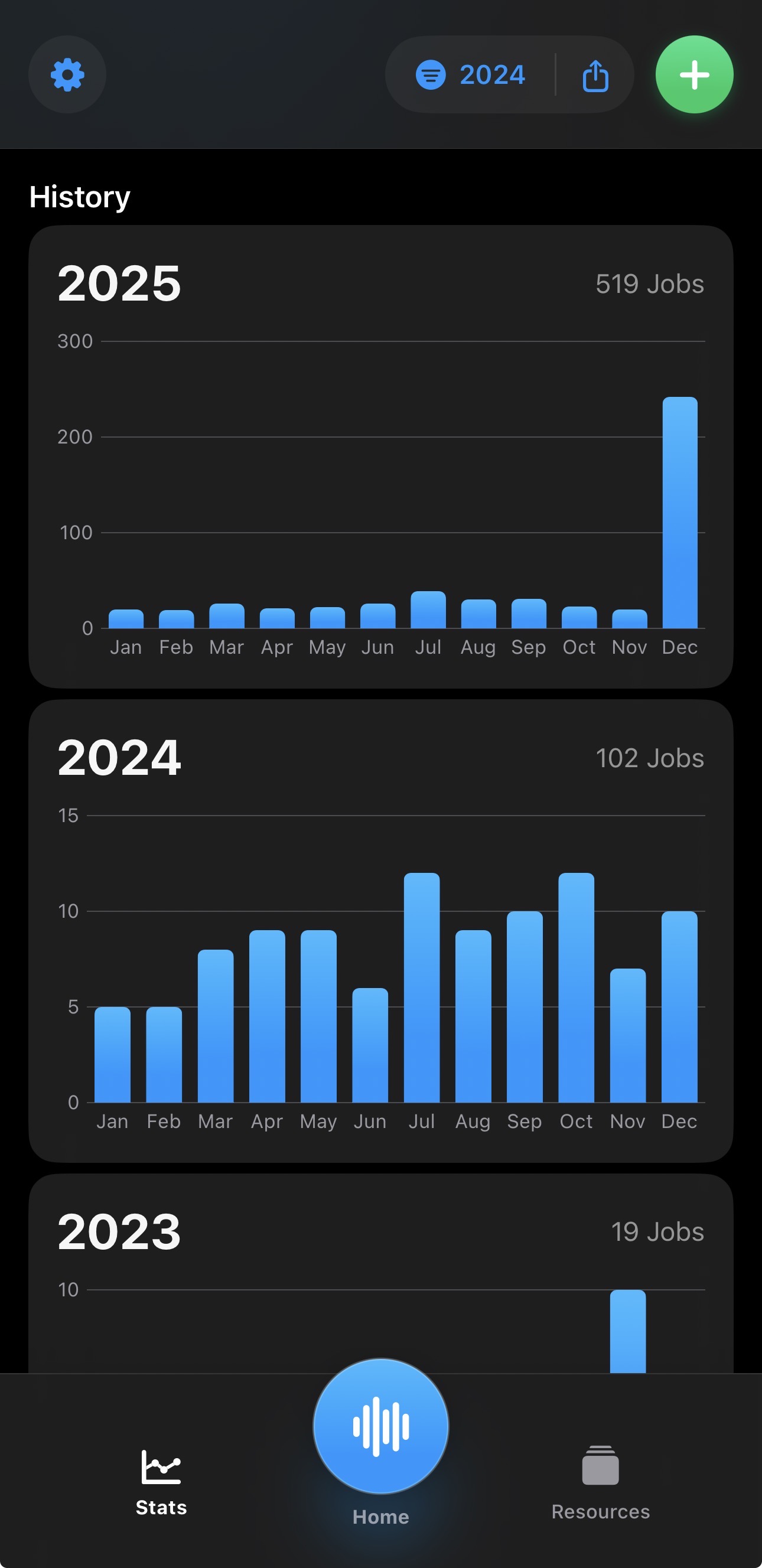
View clear activity and trend stats across gigs, auditions, and training to guide your next moves.
Coming in version 29: import local CSV, TSV, multi-sheet XLSX, and text-based PDF files. Preview the data and map columns before importing. Scanned PDFs need conversion first.
Lifetime Pro is an optional one-time in-app purchase through Apple. US price shown; your App Store displays the price for your region. No monthly or yearly subscription.
An audition sent, a session booked, a coaching class finished—keep a record of each without piecing it together from scattered notes.
Whether you work from a home booth or in a studio, see your jobs, clients, training, and earnings together.
VO Tracker helps voice actors keep track of auditions, booked jobs, training, and earnings on iPhone, iPad, and Mac.
You can add 15 jobs, 15 auditions, and 15 training entries—separate limits for each category. You can still view and edit existing records at the limit. Manual backup and recovery are free.
No. Lifetime Pro is an optional one-time purchase of US$24.99, with local pricing shown in your App Store. It adds unlimited entries and automatic backups.
No. iCloud stores backup snapshots. To recover data on a device, you explicitly restore a saved snapshot; edits do not appear automatically on other devices.
The import workflow is coming in version 29 and is not yet available in the public release. It supports local CSV, TSV, multi-sheet XLSX, and text-based PDF files, with a preview and column mapping before import. Convert scanned PDFs to text or a spreadsheet first.
Profile sharing is currently disabled.
Start with 15 free entries each for jobs, auditions, and training.
Download on the App Store